
Table of Contents
- What Is Incident Management Software?
- The Evolution of Incident Management
- Incident Management vs. Service Requests
- Incident Management vs. Problems
- From Reactive to Proactive: Incident vs. Problem Management
- The Incident Management Process
- Identify the Incident
- 2. Log and Classify the Incident
- 3. Contain the Issue
- 4. Diagnose the incident
- 5. Resolve the Incident
- 6. Close and Review the Incident
- Why Use Incident Management?
- Faster Problem Resolution
- Better User Experience
- Greater Operational Efficiency
- Deeper Insights
- SLA Compliance
- Incident Management Tools and Automation
- Monitoring Tools
- Service Desks
- AIOps Platforms
- Documentation
- Related Reading
- 29 Best Incident Management Software
- 1. ChatBees: AI-Driven Efficiency for Incident Management
- Key Features
- Build Knowledge Graphs from Your Tickets
- Train Private AI on Your Knowledge Base
- AI Customer Support Starts Working
- Connectors and Integrations
- 2. Zendesk: Rapid Deployment and Integrated AI Support
- Proactive Monitoring and Intelligent Support
- Empowering Your Support Team with AI-Powered Tools
- 3. Jira Service Management: Incident Swarming for Fast Resolution
- 4. New Relic: Performance Monitoring for Incident Management
- Smart Alerts and Prioritization
- 5. BigPanda: Incident Management for IT Operations
- Customizable Views and Efficient Incident Management
- 6. Corporater: Visual Incident Management Dashboard
- Customizable Dashboards and Powerful Reporting
- 7. SolarWinds Service Desk: Incident Management for IT Teams
- 8. Spiceworks: Free Cloud-Based Incident Management Software
- 9. Freshservice: ITIL-Aligned Incident Management
- Limitations in Advanced Features and Customization
- 10. ClickUp: Project Management Tool with Incident Management Capabilities
- 11. ServiceNow IT Service Management: Comprehensive Incident Management
- Comprehensive Incident Management and Service Desk Capabilities
- 12. ManageEngine ServiceDesk Plus: IT Incident Management Software
- 13. NinjaOne: Incident Management for IT Teams
- 14. Uptime by Better Stack: Incident Management for Developers
- 15. Splunk On-Call: Incident Management for DevOps
- 16. PagerDuty: Cloud-Based Incident Management Platform
- 17. Atomicwork: AI Incident Management Software
- Key Features
- 18. Incident.io: Specialized Incident Management Software
- Key Features
- 19. New Relic: Incident Management for Performance Monitoring
- Key Features
- 20. Instatus: Beautifully Designed Status Page
- Easy to Use and Quick to Set Up
- Pricing
- 21. HaloITSM: Comprehensive ITSM Solution for Larger Enterprises
- Pricing
- 22. Rundeck: Open-Source Incident Management Tool
- 23. Atera: Remote Monitoring and Management with PSA Tools
- Upselling Opportunities and Flexible Pricing
- 24. OpsGenie: Notification Management Software
- Efficient Incident Notification and Escalation
- Seamless Integration and Automation
- Pricing
- 25. Preparis: Business Continuity and Emergency Management Software
- Why I picked Preparis
- Preparis Standout Features and Integrations
- 26. AlertOps: Incident Management Software with Robust Integrations
- Why I Picked AlertOps
- Standout Features and Integrations
- 27. FireHydrant: Incident Response Platform for Reliability Engineering
- Why I Picked FireHydrant
- Standout Features and Integrations
- 28. Mantis Bug Tracker: Open-Source Incident Management Tool
- Why I Picked Mantis Bug Tracker
- Standout Features and Integrations
- 29. xMatters: Analytics-Focused Incident Management Software
- Why I Picked xMatters
- Related Reading
- How To Choose The Best Incident Reporting Software
- Open
- Reliable
- Adaptable
- Before the Incident: Monitoring
- Benefits
- Service Desk
- Benefits
- Features
- Alerting and On Call
- Benefits
- During the Incident: Leveraging a Configuration Management Database (CMDB) for a Faster Resolution
- Benefits
- Team Communication
- Benefits
- Customer Communication
- Benefits
- Incident Command Center
- Benefits
- Features
- After the Incident: Postmortem and Analysis
- Benefits
- Features
- Issue Tracking
- Benefits
- Features
- Related Reading
- Use ChatBees’ AI Customer Support Software to 10x Customer Support Operations
Do not index
Imagine you’re a customer service manager. Your team gets a report of a major service outage and quickly opens a help desk ticket to track the issue. As the incident unfolds, you can easily see what’s happening with the outage, who is working to resolve it, and even communicate with affected customers to keep them informed. This scenario is an example of effective incident management, and it can help reduce the impact of service disruptions on both your business and your customers. And while every organization has its own approach to incident management, using the right software to manage the process can significantly improve outcomes. In this blog, we’ll explore the best incident management software to help you find the ideal solution for 24/7 Customer Support.
One solution that can help improve incident management is ChatBee’s AI customer support. This software can automate handling incoming help desk tickets for service disruptions, improving organizational efficiency so that teams can focus on resolving the issues at hand.
What Is Incident Management Software?

Incident management is the process IT operations and DevOps teams use to respond to unplanned events that can affect service quality. Its goal is to identify and correct problems while maintaining normal service and minimizing impact to the business.
The Evolution of Incident Management
Incidents can cause problems for organizations, from temporary downtime to data loss. When done well, incident management can efficiently fix all incidents with little disruption. It can even leave organizations more prepared for future incidents. With roots in the IT service desk, incident management has long served as the primary interface between IT operations (ITOps) and the end user.
As technology has advanced and become more complex, so has how organizations view incident identification and incident response. The practice has expanded beyond helping users fix problems to become a process for maintaining constant app uptime and accelerating continuous improvement efforts.
Incident Management vs. Service Requests
In ITSM, the IT department has various roles, including addressing issues as they arise. The severity of these issues differentiates an incident from a service request. Simply put, a service request is when a user asks for something to be provided, such as advice or equipment.
Services can include requesting assistance with a password reset or getting additional memory for a desktop computer. On the other hand, an incident is more urgent and indicates an underlying error that needs addressing.
Incident Management vs. Problems
An incident is a single, unplanned event that disrupts service, while a problem is the root cause of a service disruption, which can be a single incident or a series of cascading incidents. The difference plays out in remediation and how responders approach fixing the issue.
From Reactive to Proactive: Incident vs. Problem Management
Incident response is reactive. Incident management teams get an alarm and address the incident. Nevertheless, when addressing a problem, IT teams identify the root cause and then fix it. Problem management takes a proactive approach, looking at various types of incidents and patterns that emerge to understand how future incidents can be prevented.
The Incident Management Process
Organizations create an incident management process that documents the sequence of events the response team should take. All stakeholders should know which staff are responsible for handling incidents, the time it should take to solve the issue, when to escalate the incident to the next level, and how to document the incident and how it was resolved.
Once the process is defined, the incident management workflow typically goes as follows:
Identify the Incident
Whether it’s an end user submitting a ticket to the help desk or an automated alert system notifying the team of an issue, the response team needs a way to receive reports of problems within the system.
2. Log and Classify the Incident
This includes entering the incident report into an incident
logging system and assigning prioritization, including which level of staff should handle it. For example, Level 1 incidents are usually handled by newer, less experienced staff while Level 2 and Level 3 incidents are increasingly challenging to solve and require the most experienced responders.
3. Contain the Issue
If it is a security incident, response teams must act quickly to contain the issue, whether a DDoS attack or a data breach. In all cases, teams must ensure the incident doesn’t spread and further impact the system.
4. Diagnose the incident
This is where the troubleshooting comes in. Response teams might use a knowledge base or ChatOps tool to suggest possible causes and save time.
5. Resolve the Incident
Once the cause has been identified, teams get to work addressing the incident, whether it’s provisioning additional memory or addressing a network outage.
6. Close and Review the Incident
Post-mortem reviews are important for improving reliability and availability in today’s digital environments. This data not only increases the organization’s institutional knowledge but it can also be used in machine learning and AI-enabled tools to help identify incidents more quickly and even create notifications when incidents are likely to happen.
Thorough reviews help organizations implement more effective incident remediation procedures.
Why Use Incident Management?
All organizations need to fix problems and resolve incidents. It’s how they keep the business running. There are also clear benefits to having practical incident resolution tools and teams, that can react quickly without major disruption to the business. Those benefits include the following:
Faster Problem Resolution
Incident Management tools, automation, and AIOps help teams quickly identify and fix problems. This improves efficiency by allowing teams to focus on core business operations instead of constant firefighting.
Better User Experience
When incidents are fixed right (and faster) the first time, it improves service quality for the end user. This begins with a clear and easy-to-use system for reporting service disruptions and continues with good communication as incidents are addressed.
Greater Operational Efficiency
Incident response creates a system where issues have a clear path to resolution and helps build institutional knowledge over time. This knowledge, either held by staff or integrated into an automated system driven by AI, helps document important performance metrics, such as mean time to resolution (MTTR).
These metrics help ensure that the organization maintains a high level of service and provides an excellent customer experience.
Deeper Insights
With an effective incident management system, teams can address major incidents faster and extract insights for root cause analysis. When team members document how past incidents were resolved, they create a playbook with templates for solving similar incidents in the future.
SLA Compliance
A service-level agreement (SLA) defines the level of service a company must provide to a customer. Therefore, incident response and management play a key role in meeting the metrics and key performance indicators (KPIs) defined in the SLA.
Incident Management Tools and Automation
The growing complexity of IT operations, driven partly by the many applications organizations rely upon in day-to-day business operations, has made incident response tools and automation more important than ever.
Some of the most common incident management tools include:
Monitoring Tools
These tools identify outages, trigger alerts, and diagnose incidents. Monitoring tools also reduce costs by freeing DevOps teams to manage the software lifecycle better.
Service Desks
This is a place for users to submit tickets, chat with the service desk team, monitor their tickets' progress, and perform some self-service tasks. The service desk typically runs through a management system that enables key incident management tasks, such as prioritization and categorization.
AIOps Platforms
Using logs and historic data, AIOps can provide context for better decision-making, smarter resource allocation and faster incident response.
Documentation
These scripts automatically document changes to an environment, making it easier to record incidents for postmortem analysis. For example, teams can set up the PowerCLI scripts to run monthly to record incidents for deeper analysis.
Related Reading
29 Best Incident Management Software
1. ChatBees: AI-Driven Efficiency for Incident Management
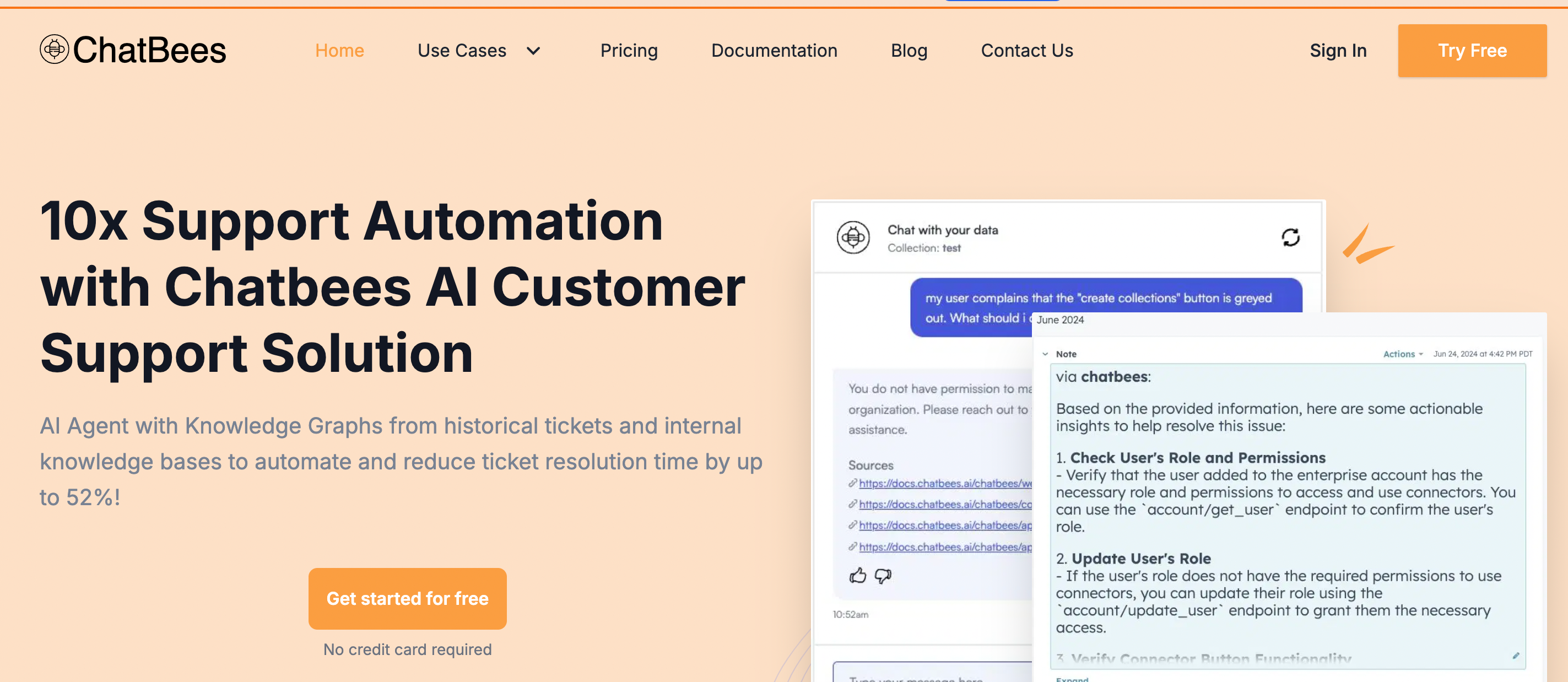
ChatBees optimizes RAG for internal operations like customer support, employee support, etc. with our AI customer support software, with the most accurate response and easily integrating into their workflows in a low-code, no-code manner.
ChatBees' agentic framework automatically chooses the best strategy to improve the quality of responses for these use cases. This improves predictability and accuracy, enabling these operations teams to handle a higher volume of queries. No DevOps is required to deploy and maintain the service.
Key Features
Build Knowledge Graphs from Your Tickets
Build Knowledge Graphs from popular ticket systems, such as HubSpot Tickets. With insights from historical tickets, resolve new tickets faster. Integrate your Support and Sales Pipelines into different collections.
Train Private AI on Your Knowledge Base
Train your private AI using internal knowledge bases (PDFs/DOCs, Web Help Center, Notion, Confluence, and Google Drive). ChatBees periodically updates your AI to keep it current.
AI Customer Support Starts Working
ChatBees takes care of the rest by automatically analyzing and researching incoming tickets, providing actionable insights directly in your Ticket system, and Copilot the support agent to resolve the ticket quickly and efficiently.
Connectors and Integrations
ChatBess supports a growing list of knowledge bases and messaging platforms including:
- Confluence
- Notion
- Drive
- Slack
- Discord
- Hubspot
Pricing: Starts at $49/mo billed annually, or $59/month
2. Zendesk: Rapid Deployment and Integrated AI Support

With incident management software from Zendesk, you can mitigate the impact of service disruptions. Zendesk offers fast and easy implementation with out-of-the-box functionality, so you can deploy workflow automations without enlisting skilled developers. The intuitive ticketing system empowers agents to jump right in without lengthy training, resulting in a faster time to value.
Zendesk transforms the way your internal support team members work by allowing them to:
- Collaborate on incidents
- Escalate issues based on predefined policies
- Identify fixes
- Track incident causes and solutions
Generative AI enables effective self-service options, letting users interact with AI agents to diagnose issues and resolve complex requests. Our AI agents come pre-trained on IT ticket data so they can start working on day one.
Proactive Monitoring and Intelligent Support
Our incident management software also detects issues across your entire system. It automatically sends immediate alerts on modern channels, like Microsoft Teams and Slack,as well as live chat and email so you can provide timely support. Users can report issues themselves, but routine monitoring can automatically discover incidents.
Empowering Your Support Team with AI-Powered Tools
The Zendesk Agent Workspace gives IT support agents a unified view of trouble tickets, along with the details and context of each issue. AI is built into the workspace so agents get real-time task assistance.
With over 1,500 integrations in the Zendesk Marketplace, you can extend functionality and tailor your software to adapt to business needs and growth, providing a lower total cost of ownership than one-dimensional products.
Pricing
- Plans start at $19 per agent/month, billed annually
- Includes a 14-day free trial for new users
3. Jira Service Management: Incident Swarming for Fast Resolution
Part of the Atlassian product family, Jira Service Management’s incident management software offers:
- Incident swarming
- On-call alerting capabilities
That means the software assigns ownership to an agent to handle the escalated incident from end to end instead of placing it into a queue.
Standard packages include:
- Self-service
- Ticket management
- Configurable workflows
- Reporting and analytics
Businesses must opt for Jira's Premium or Enterprise plans to access more incident management features, such as advanced alert integrations and incident investigations.
Pricing
- Plans start at $650 per year for up to three agents
- Includes a free plan and a seven-day free trial
4. New Relic: Performance Monitoring for Incident Management
New Relic offers incident management software with tools that help businesses handle issues that affect system and application performance. Its system features a live feed that displays an overview of ticket status, event log, activity, and related issues.
Smart Alerts and Prioritization
New Relic provides contextual alerts so teams know the issue and take the appropriate action. Its system filters low-priority issues that don’t affect customers or business operations to reduce alert fatigue. Businesses can also configure alerts on the interface with a badge to help agents prioritize escalated incidents.
Pricing
- Plans start at $49 per core user/month for up to five users
- Includes a free plan
5. BigPanda: Incident Management for IT Operations
BigPanda’s incident management platform helps IT teams detect, respond to, and resolve problems as they occur. Its Incident 360 Console provides a real-time view of all issues in a single view. IT agents can manage, analyze, and collaborate with other departments to find root causes and take necessary actions.
Customizable Views and Efficient Incident Management
BigPanda is customizable, allowing businesses to create filtered views. The live feed provides an overview of the active incidents, showing when the last update occurred and each incident’s priority level. It also has a searchable field so agents can find an incident without manually scanning the feed.
Pricing: Contact BigPanda
6. Corporater: Visual Incident Management Dashboard
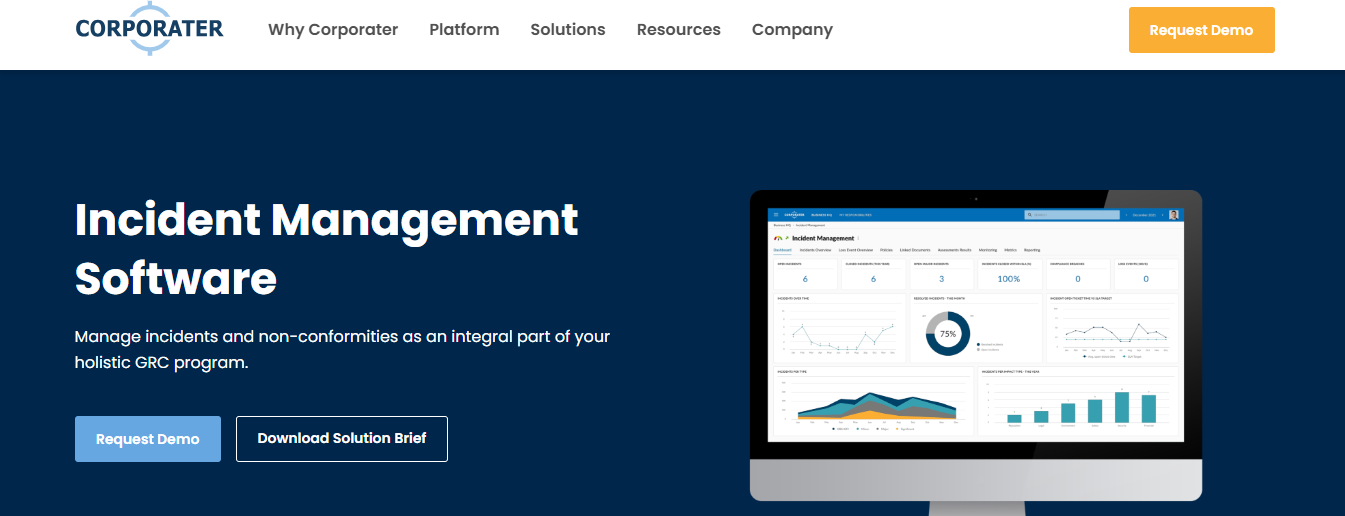
Corporater’s incident management tools help businesses track and manage issues as they arise. Its workspace displays an overview of the issues across the business, allowing teams to monitor them. It provides automated real-time alerts and standard workflow automations to handle repetitive tasks.
Customizable Dashboards and Powerful Reporting
Corporater also offers customizable dashboards, allowing teams to personalize their workspace and showcase important metrics and relevant information. Its reporting tools enable businesses to create compliance reports with branded visual elements such as graphs and charts.
Pricing: Contact Corporater for pricing.
7. SolarWinds Service Desk: Incident Management for IT Teams
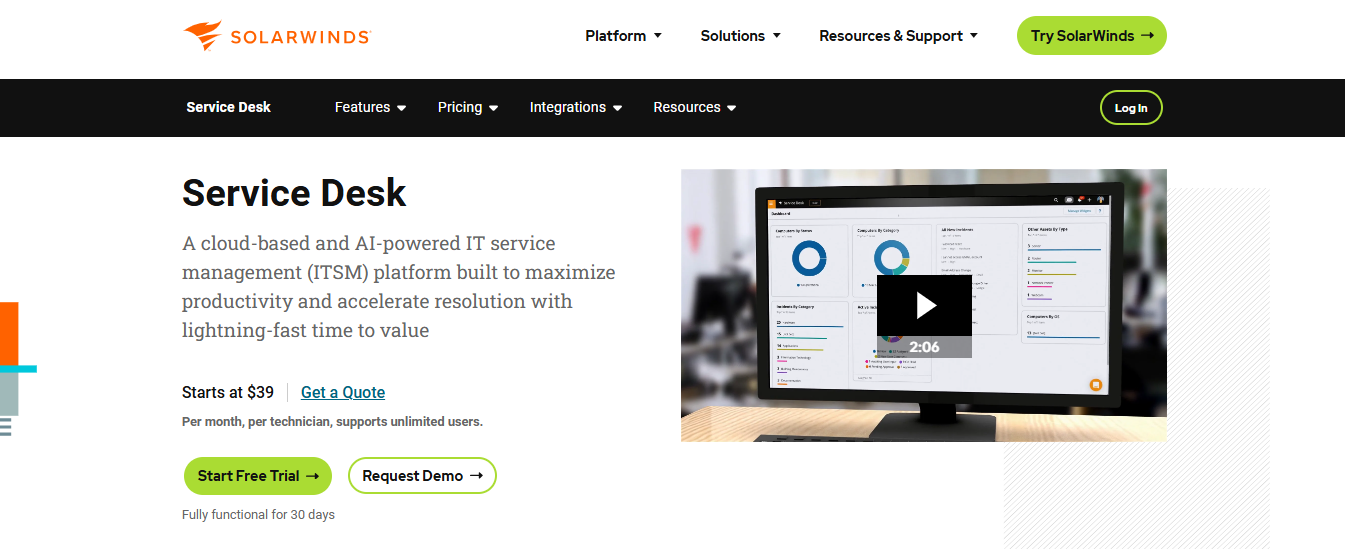
SolarWinds Service Desk features incident management software that helps internal IT teams manage day-to-day problems and resolve incidents. The solution allows teams from every department to track tickets submitted from channels like:
- Phone
- Customer self-service portals
- Live chat
- Mobile apps
Its software features self-service articles, incident lifecycle visualization, and issue escalation. In addition to managing incidents, IT teams can use SolarWinds to:
- Monitor compliance risks
- Control inventory
- Manage digital assets
Pricing
- Plans start at $39 per technician/month, billed annually
- Includes a 30-day free trial
8. Spiceworks: Free Cloud-Based Incident Management Software
Spiceworks offers free incident management software with its cloud-based help desk system. It uses an ad-based revenue model so users can access the software for free rather than paying licensing fees. Spiceworks users must contend with banner ads native to the Spiceworks interface.
Users may configure their cloud-based software with custom alerts and automated escalation processes. It also includes reporting, a mobile app, remote support session capabilities, and Spiceworks IT community forum access.
Pricing: Free
9. Freshservice: ITIL-Aligned Incident Management
Freshservice is an IT service management solution from Freshworks that helps teams track, prioritize, and resolve trouble tickets. The incident management tools include:
- Incident logging
- Analysis
- Custom alerts
- Multichannel support interface
These channels include email, a self-service portal, voice, and chatbots.
Limitations in Advanced Features and Customization
Some users feel Freshservice lacks advanced capabilities that other software provides, such as viewing ticket queues by assigned agents and separate ticket tabs within the browser. The software also has limited customization options that prevent businesses from tailoring the platform to their liking.
Pricing
- Plans start at $19 per agent/month, billed annually
- IncludesA 14-day free trial
10. ClickUp: Project Management Tool with Incident Management Capabilities
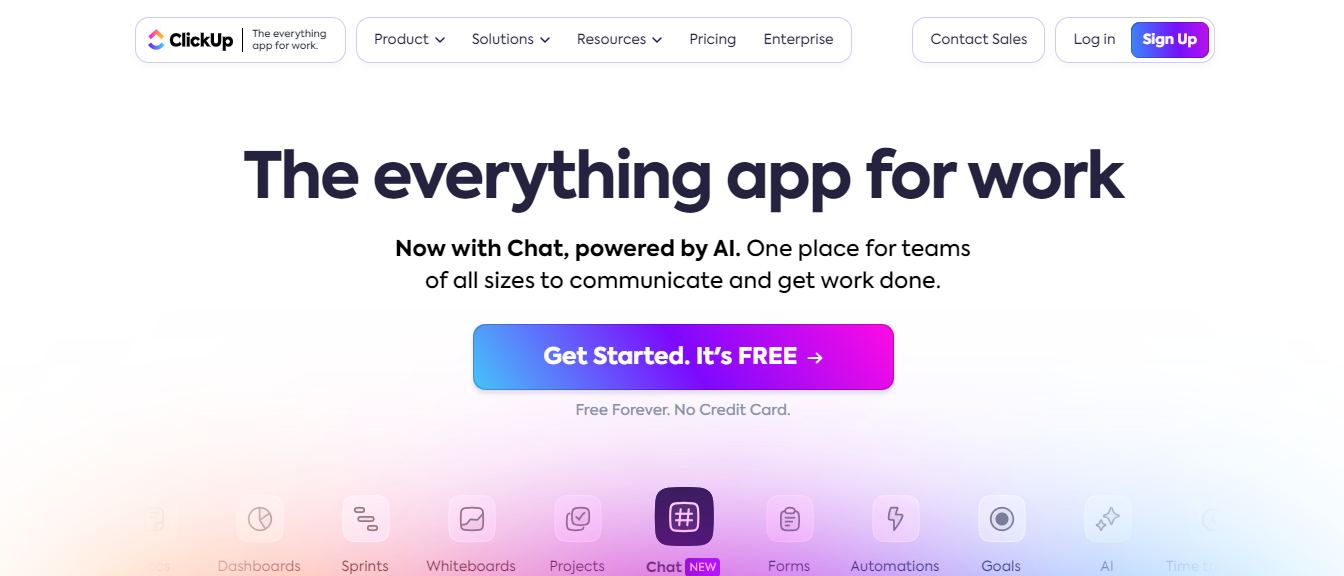
ClickUp is more akin to a project management tool. Businesses can also use it to plan, track, and manage different types of work, but it may have a different incident management functionality than other, more purpose-built solutions.
With ClickUp, your team can monitor and assign tasks, set custom alerts, escalate issues, and view task activity in real-time. Its dashboard provides a high-level overview of workflows, enabling teams to stay organized and track incidents to resolution.
ClickUp offers a customizable board view for a more visual experience. This view allows you to group incidents by status, priority, and assigned agent.
Pricing
- Plans start at $7 per user/month, billed annually
- Includes a free plan
11. ServiceNow IT Service Management: Comprehensive Incident Management
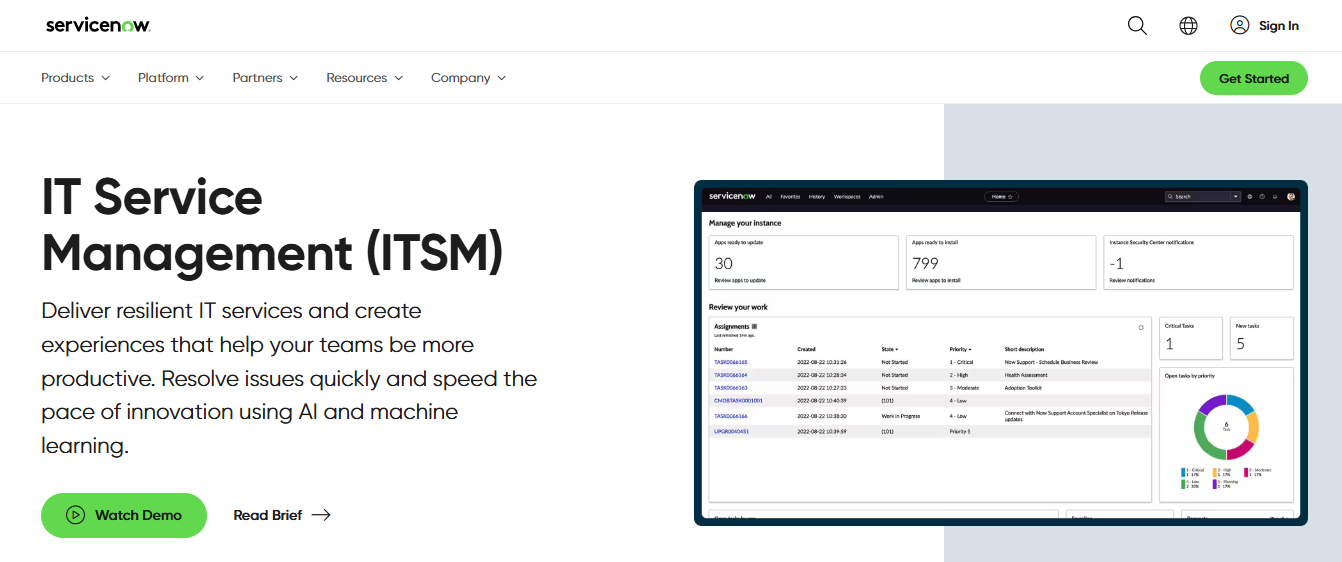
The ServiceNow IT Service Management (ITSM) system is a cloud-based platform that helps teams manage:
- Incidents
- Tasks
- Processes
Its incident management platform for IT service teams includes:
- Incident logging
- Notification and escalation
- Incident classification
- Root cause analysis
- Incident resolution
Comprehensive Incident Management and Service Desk Capabilities
ServiceNow features a single-pane agent view so agents can manage issues from one place. The software enables major incident management through embedded workflows to handle high-impact issues. In addition to incident management, ServiceNow can work as a service desk with:
- Asset management
- Reporting
- Remote support
- Virtual agents
- Ticket management
Pricing
- Contact ServiceNow for pricing
12. ManageEngine ServiceDesk Plus: IT Incident Management Software
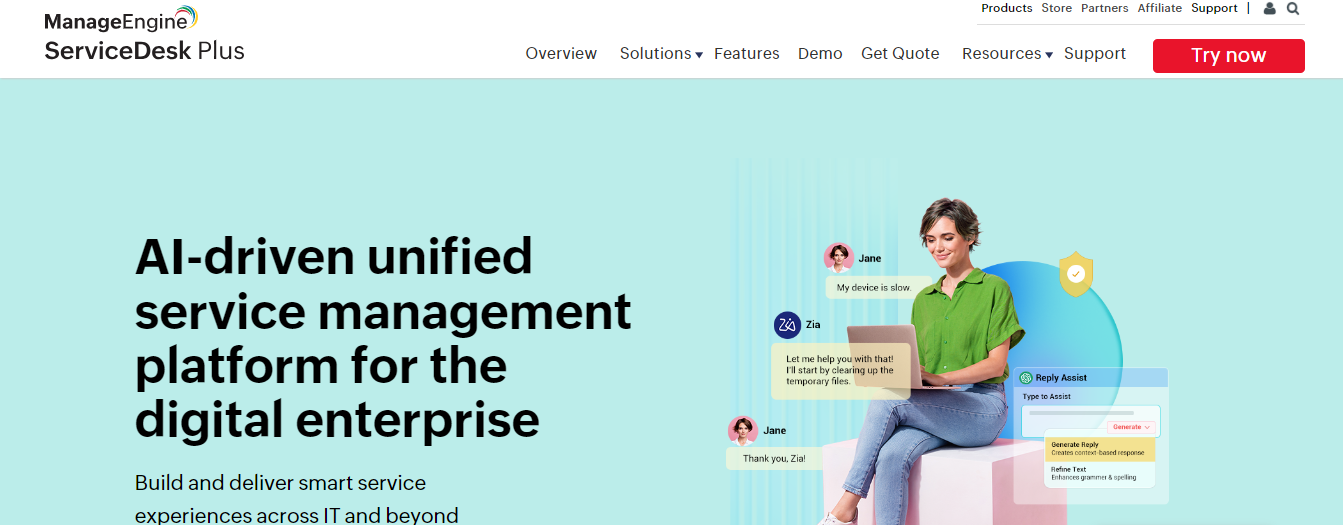
ManageEngine ServiceDesk Plus software provides an incident management system featuring IT incident tracking tools that help teams resolve outages and incidents. It supports:
- Reporting and analytics
- Workflow customizations
- Native integrations
- ITSM workflow tools
ManageEngine’s starting plan includes:
- Multichannel support
- Incident life cycle tracking
- Defined escalation paths
These paths include automated technician assignment, which routes incidents to the right agent to handle the request. Businesses can automate rules for lower-priority tickets based on their selected criteria.
Pricing
- Contact ManageEngine for pricing
- Includes a 30-day free trial
13. NinjaOne: Incident Management for IT Teams
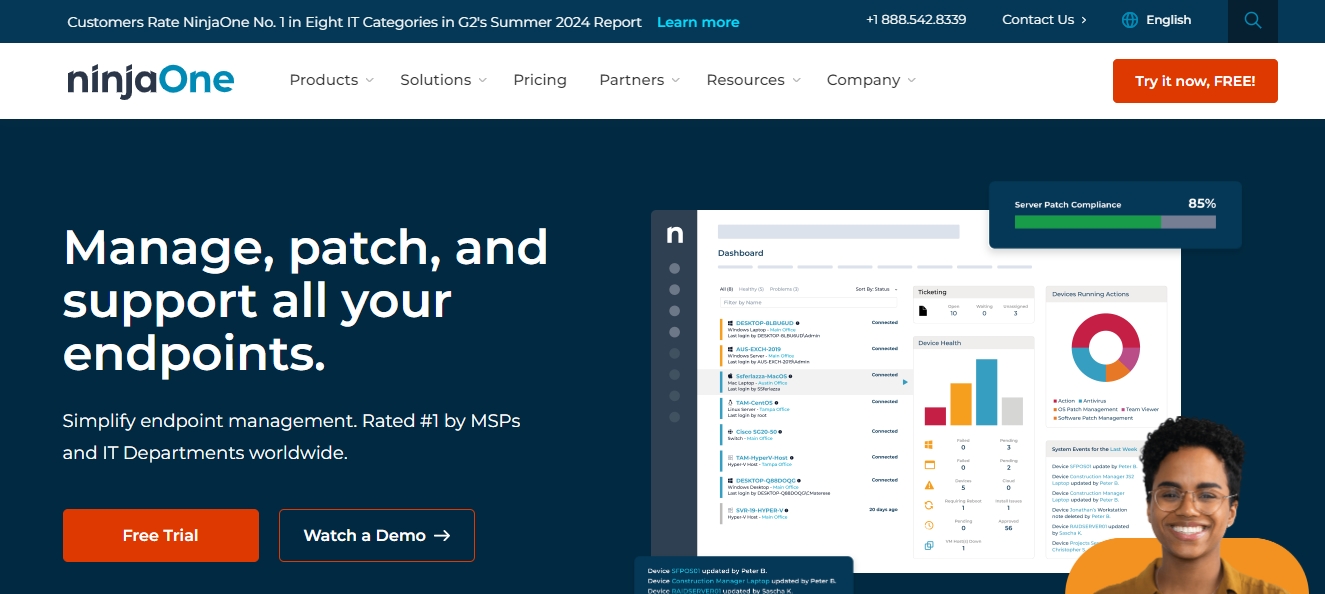
NinjaOne is incident management software for IT, network security teams, and managed service providers (MSPs). With NinjaOne, you can monitor your IT infrastructure and create custom alerts for:
- Cloud infrastructures
- Network devices
- Windows servers
- Mac and Windows laptops
Within those applications, you can monitor information, including:
- User logs
- Running processes
- Disk usage
- Encryption status
- Memory
NinjaOne allows IT teams to access end-user devices remotely.
Pricing
- Contact NinjaOne for pricing
14. Uptime by Better Stack: Incident Management for Developers
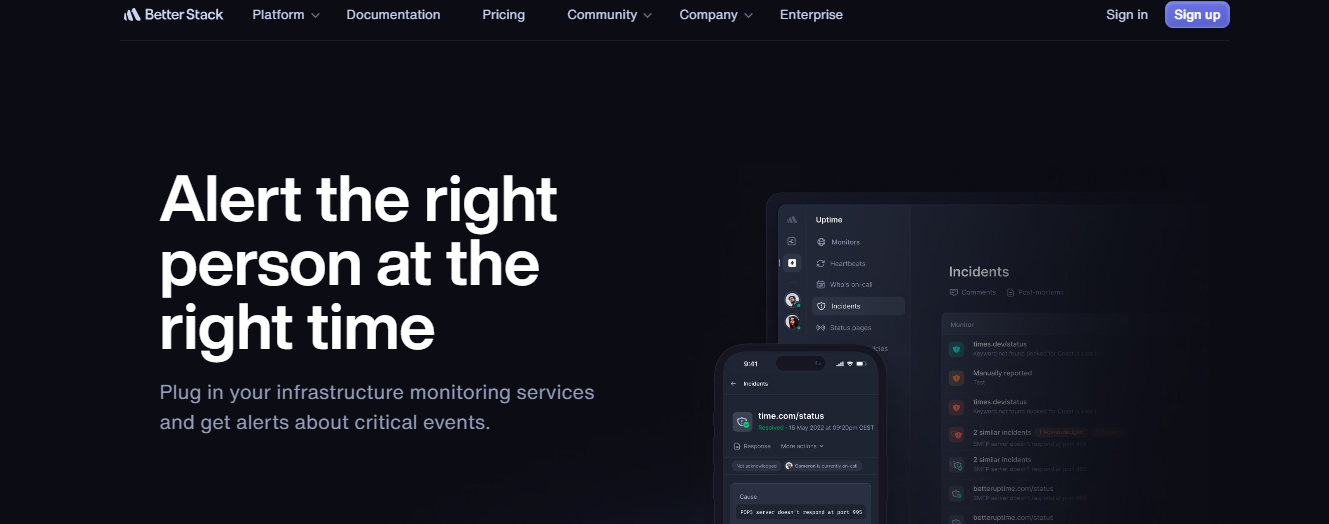
Uptime by Better Stack (formerly Better Uptime) is infrastructure monitoring and incident management software. Its features include:
- Multichannel alerting
- Website monitoring
- Incident timelines
- Merging
- Post-mortems
- Error logs
- Historical reporting
Uptime has an interface with customizable features, like notifications and prioritization options. Its automated multi-location checks vet and confirm an incident before sending alerts to prevent false issues. Once confirmed, the system alerts the right agent via push notifications or channels, including:
- SMS
- Integrated communication tools
Pricing
- Plans start at $25 per month, billed annually
- Includes a free plan
15. Splunk On-Call: Incident Management for DevOps
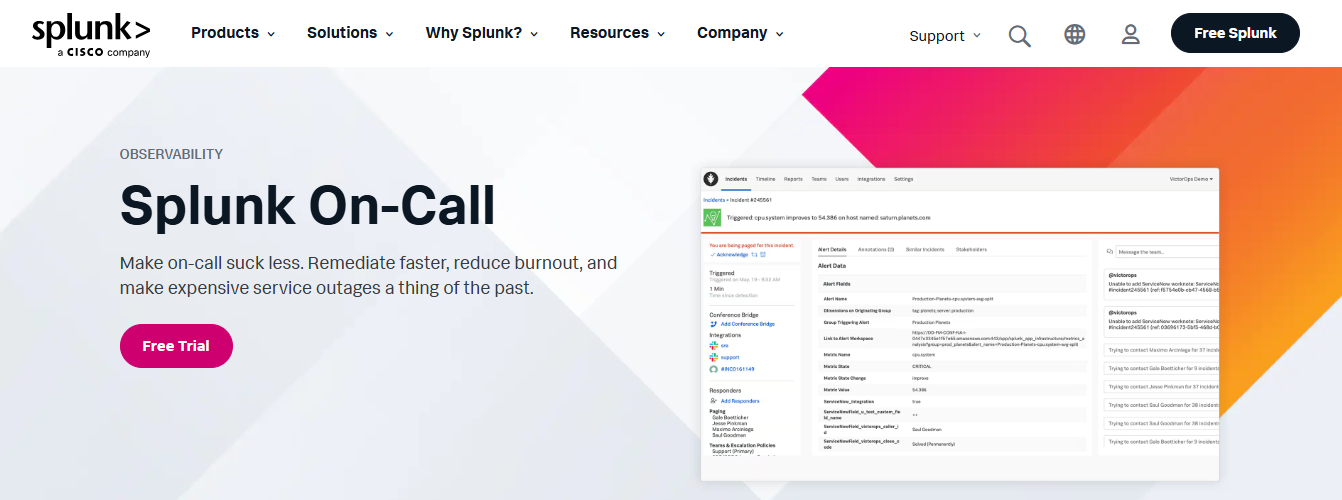
Splunk On-Call, formerly VictorOps, is a traditional incident management tool for incident responses and management. On-Call integrates with other tools to add to incident management capabilities like:
- Log analysis
- Real-time user monitoring
- Infrastructure monitoring
The software offers desktop and mobile apps and customization options for each. Splunk features automated notifications and alerts that help teams manage time-sensitive or escalated issues. Additional automations include:
- Rule-based routing
- Triage that assigns the issue to the right agent to address it
Pricing
- Plans start at $5 per user/month, billed annually
- Includes a 14-day free trial
16. PagerDuty: Cloud-Based Incident Management Platform

PagerDuty is an incident management platform that combines:
- Incident management features
- Machine learning
- Data science techniques
Activity tracking and reporting allow PagerDuty users to resolve issues before a ticket can be generated. Some of its incident management features include:
- Process automation
- Unlimited notifications
- Escalation policies
PagerDuty also features native apps and can integrate with many third-party apps and application programming interfaces (APIs).
Pricing
- Plans start at $21 per user/month, billed annually
- Includes a free plan and a 14-day free trial
17. Atomicwork: AI Incident Management Software
Atomicwork is a modern AI ITSM solution that makes it easy for your enterprise IT team to identify, act on and resolve incidents.
Key Features
- Identify and cluster incidents intelligently
- Categorize and prioritize incidents with AI workflows
- Automatically notify respective stakeholders
- Link and manage related incidents from one view
- Identify incident trends and understand incident severity
Atomicwork also offers other ITSM capabilities like asset or change management, making it one comprehensive service management software for your enterprise.
Pricing
Starting from $90/ employee/year
18. Incident.io: Specialized Incident Management Software
Incident.io is a specialized incident tracking software that provides teams powerful collaboration and response tools to handle incidents efficiently.
Key Features
- Real-time incident management and communication
- Automated workflows for incident response
- Detailed incident timelines and analytics
Suitable for: Incident.io is suitable for medium—to large-sized businesses and teams that require robust incident response capabilities with real-time collaboration tools.
19. New Relic: Incident Management for Performance Monitoring
Focused on performance monitoring and real-time analytics, New Relic provides deep insights into incidents' root causes, enabling proactive resolution strategies.
Key Features
- Real-time incident monitoring
- Root cause analysis and insights
- Performance analytics for incident prevention
Suitable for: DevOps teams Organizations prioritizing performance monitoring in incident management
Pricing
- Usage-based pricing starting at $0.35/GB ingested beyond
20. Instatus: Beautifully Designed Status Page

Instatus is a beautifully designed status page that supports unlimited subscribers and teammates in all its price plans while allowing extensive integrations for software customization.
Easy to Use and Quick to Set Up
The tool is easy to learn with customer support and demo requests. It shows incident templates and history, your current service status, and uptime percentage and metrics. It generates your status pages from a CDN without needing further data from backend servers or databases. And it’s super fast to set up—15 seconds is all you need!
Instatus allows room for scheduling planned maintenance, and it’s super customizable with integrations like Google Analytics.
Pricing
Free Starter Plan
- Includes unlimited teams and subscribers.
- Access to most features
Pro Plan
- Allows use of a custom domain
Business Plan
- Includes a free trial for testing advanced features
Transparent Pricing
- Clear value proposition across all plans, making it easy to choose the best fit for your needs.
21. HaloITSM: Comprehensive ITSM Solution for Larger Enterprises
HaloITSM is a solution software for larger enterprises searching for an all-inclusive ITSM tool for incident management and SLA tracking. It allows users to find the services they need from a DIY portal with detailed keyword indexing. It also automates incident management workflows to allow restoration of regular service operation as fast as possible.
In addition, its ITIL-aligned processes make incident management easier, while its integrations allow you to customize it to your company’s needs.
Pricing
Standard Plan
- Starts at $69 per agent/month (billed annually).
- Unlocks access to all features.
- Includes a free trial for initial testing
Enterprise Plan
- Customized for larger corporations.
- Available upon request for tailored features and pricing.
22. Rundeck: Open-Source Incident Management Tool
Rundeck is an open-source incident management tool that runs scripts and automation and focuses on self-service operation tasks. Its integrations are also a valuable feature, as it can connect with:
- Google Cloud
- Jira
- GitHub
- Slack
Similar to BigPanda, it loses points in the value for cost evaluation, as prices are close to $20,000 per year, and it doesn’t offer a free trial which makes the decision to commit even more challenging as you're running blindly to purchase a software that you’re not familiar with.
23. Atera: Remote Monitoring and Management with PSA Tools
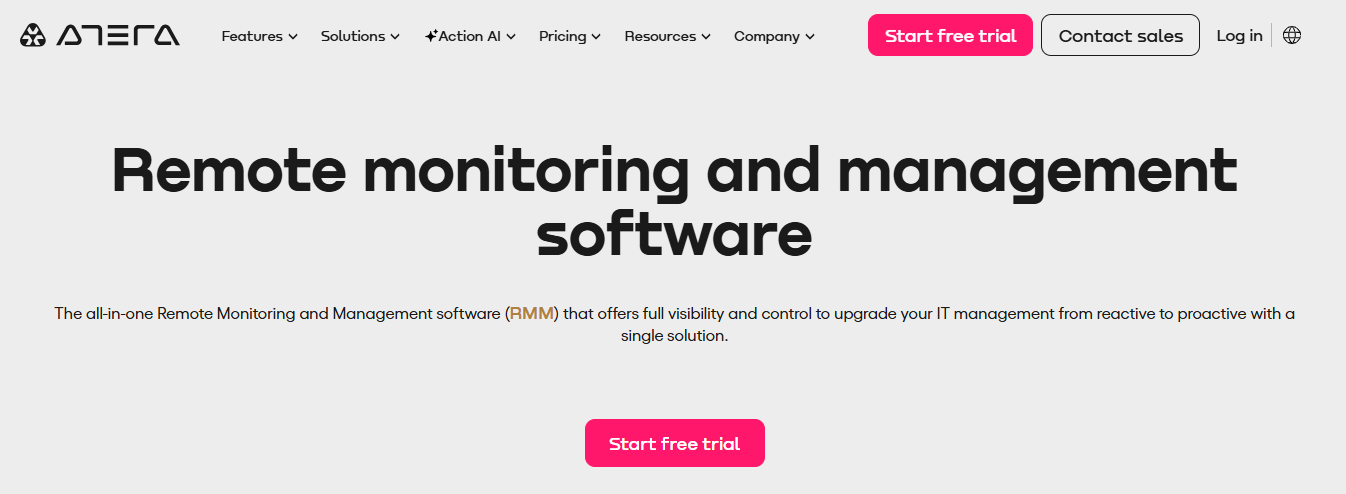
Atera is a cloud-based fully remote monitoring and management tool (RMM) with PSA functions. It uses thresholds to monitor performance, and it alerts staff members every time performance drops by issuing a ticket and assigning it to them. This is an important advantage as it captures issues before users notice them and leaves room for resolving them.
Like other software, it uses a self-service portal for users and files tickets if they fail to spot the answer to their problem themselves. Technician time is automatically added to the billing systems later.
Upselling Opportunities and Flexible Pricing
This workflow also allows room for upsells by letting customers know that their current package is no longer compatible with their needs. Atera offers a free trial; after that, you can opt for a monthly subscription plan.
24. OpsGenie: Notification Management Software
OpsGenie is a modern incident management system that supports processes such as incident and problem management. It acts as a platform for collecting notifications related to requests requiring service technicians' intervention.
Efficient Incident Notification and Escalation
OpsGenie automatically notifies the right person and escalates the request if there is no response. It manages notifications by categorizing them based on priority and time. The system can report new incidents through various channels such as telephone calls, text messages, instant messaging, and push messages.
Seamless Integration and Automation
OpsGenie can be integrated with over 200 applications and provides automation mechanisms to improve workflow. It also offers reports and data on the efficiency of handling requests. Opsgenie functionalities have been integrated with Jira Service Management Cloud since 2021.
Pricing
- Free Plan
- Basic alerting and on-call management for small teams.
- Essentials Plan — $9 per user/month
- Includes alerting and incident management, optimized for simplicity.
- Standard Plan — $19 per user/month
- Provides unlimited alerting and incident management with added flexibility.
- Enterprise Plan — $29 per user/month
- Advanced incident management with enhanced collaboration and business visibility features.
25. Preparis: Business Continuity and Emergency Management Software
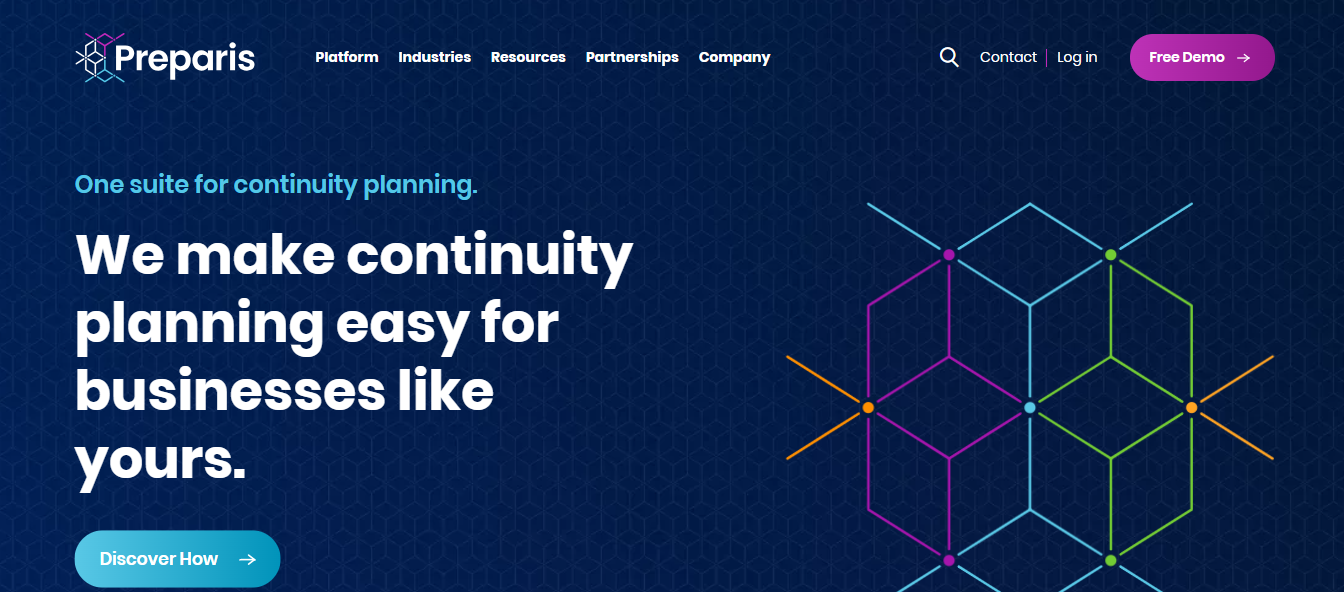
Preparis is a business continuity and emergency management software that assists organizations in preparing for and responding to various disruptions. The platform offers the following functionalities to ensure effective crisis management:
- Risk assessment
- Incident management
- Emergency communication tools
Why I picked Preparis
Preparis offers customizable templates for building your incident response plans, making it easier to align the software with your organization’s specific needs. You can update and maintain your plans directly within the platform, ensuring they stay relevant as your infrastructure evolves.
Automated workflows help streamline communication during incidents, so your team knows exactly what to do when an issue arises. Additionally, real-time reporting keeps you informed, providing critical insights that guide your response efforts from start to finish.
Preparis Standout Features and Integrations
Features include an incident manager that allows you to track, assign, and resolve IT incidents efficiently, ensuring that each issue is properly handled from start to finish. The platform’s alert system helps your team send notifications across multiple channels, keeping everyone updated during IT disruptions or emergencies.
Preparis provides document management tools to store and access your IT response plans and related documents.
Pricing
- Free demo available, pricing upon request.
26. AlertOps: Incident Management Software with Robust Integrations
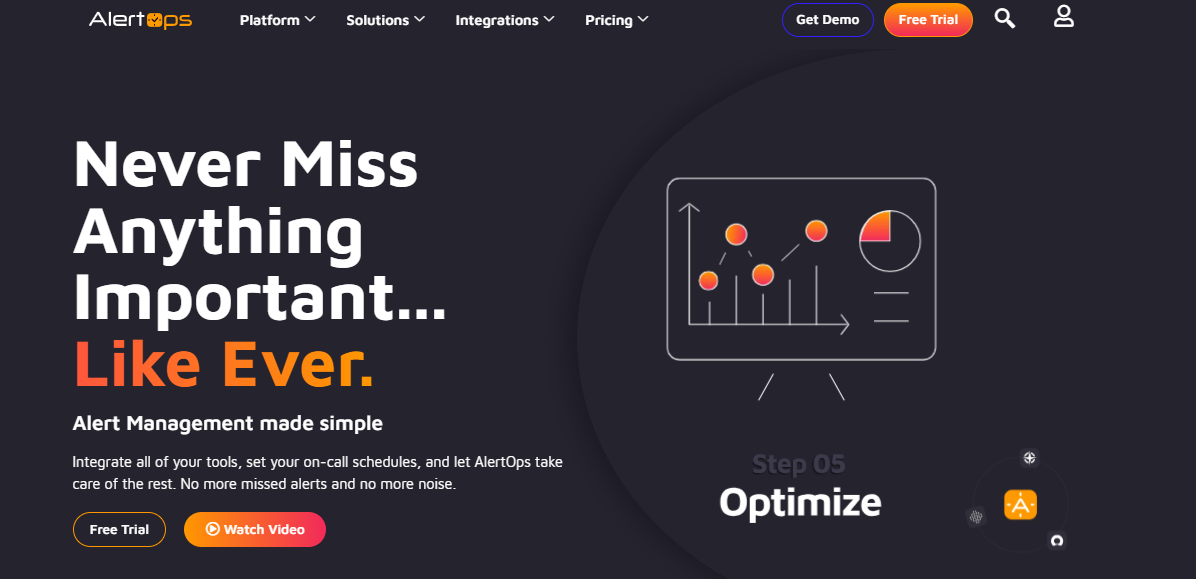
AlertOps is a comprehensive incident management platform that helps you to set up escalation policies and consolidate alerts from various sources into a single dashboard.
Why I Picked AlertOps
My primary reason for choosing AlertOps for this list is that it integrates with many tools and platforms, including monitoring and alerting tools, communication tools, and ITSM platforms across categories like:
- DevOps
- Enterprise
- MSP
- SecOps
Apart from this, you can have their solution architects create and optimize configurations for you.
Standout Features and Integrations
A feature that I feel is powerful beyond its integration capabilities is dynamic routing so that you can spot and escalate incidents with contextual data to the right team member. You also get playbooks, communication templates for incident types, and a detailed timeline to see how the incident was resolved and learn from it.
Integrations are native and include:
- AlertSite
- Bugsnag
- Catchpoint
- Checkly
- Confluence
- Datadog
- Dynatrace
- Freshservice
- FireHydrant
HaloITSM
Open APIs are available.
Pricing: 14-day free trial + Free demo From $5/user/month
27. FireHydrant: Incident Response Platform for Reliability Engineering
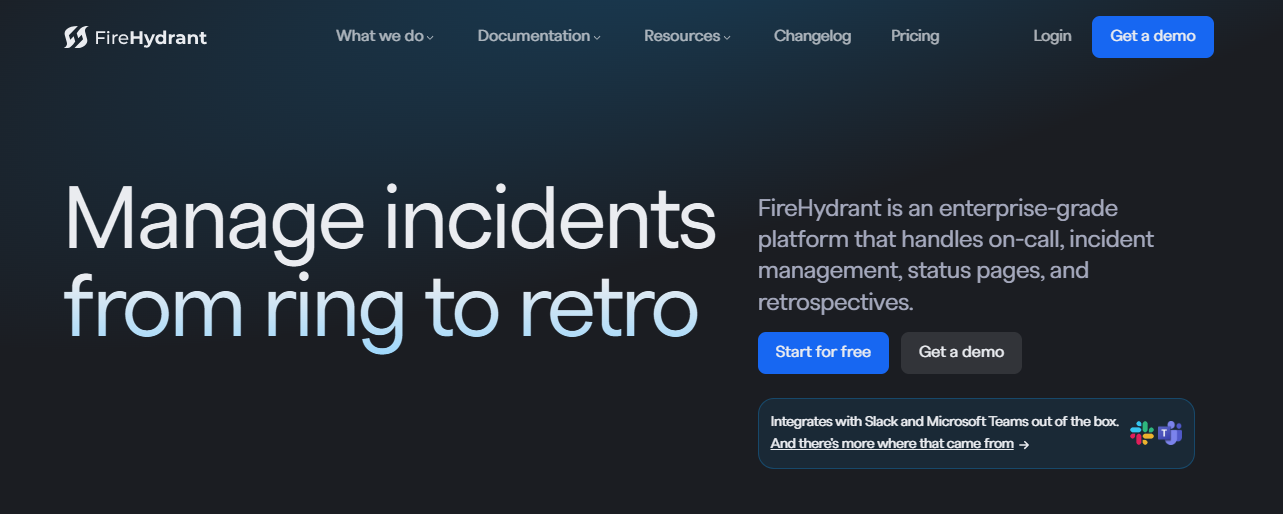
FireHydrant is an incident response platform designed to help businesses recover from and prevent incidents with automated incident response workflows and real-time status updates.
Why I Picked FireHydrant
I like how FireHydrant’s service catalog provides a centralized view of the entire infrastructure. It makes it easier to understand dependencies and quickly identify the affected services during an incident. You can catalog every service you run and the teams responsible for them.
Standout Features and Integrations
A feature that I appreciate from FireHydrant’s service catalog is that it includes readiness checklists so that every service meets production qualifications. Apart from this, you can also automate workflows with the help of FireHydrant’s Runbooks to reduce manual tasks. In these Runbooks, you can add conditions so that teams are notified about the severity of an incident.
Integrations include native options like:
- Slack
- PagerDuty
- Jira Cloud
- Checkly
- GitHub
- Kubernetes
- Okta
- Statuspage
- Terraform
Users can request custom integrations.
Pricing: Free plan available From $19/user/month
28. Mantis Bug Tracker: Open-Source Incident Management Tool
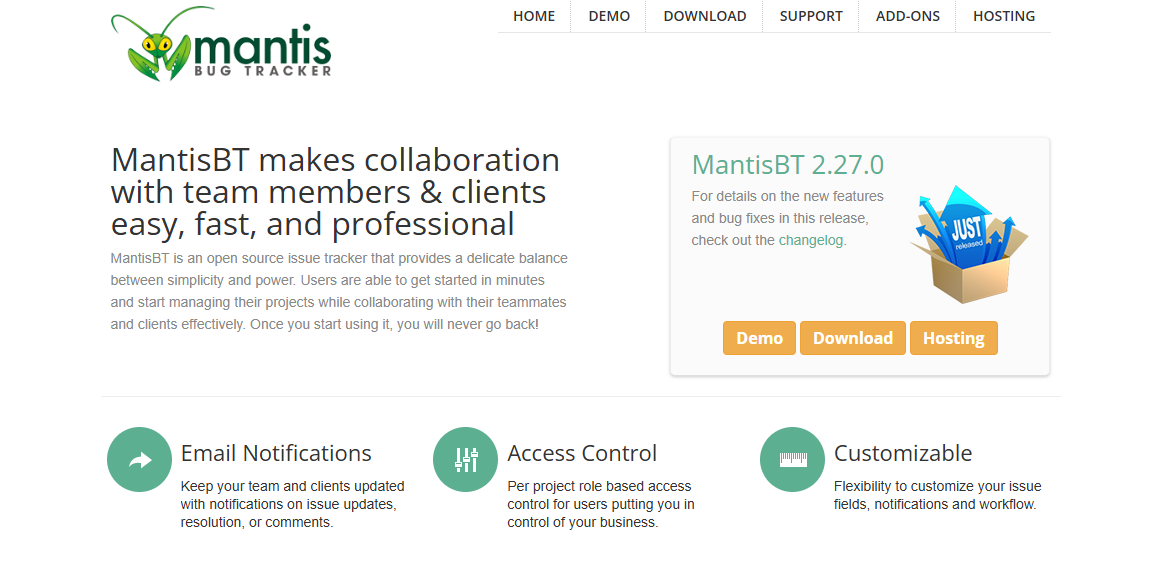
Mantis Bug Tracker is a simple yet powerful open-source issue tracker that allows teams to collaborate on issues and set deadlines for resolution.
Why I Picked Mantis Bug Tracker
Despite being open-source, what impressed me about Mantis Bug Tracker is that it has all the essential features of a comprehensive incident management solution. You can get email notifications on issue updates, comments, and resolutions. You can set role-based access controls and customize your workflows.
Standout Features and Integrations
Features I think teams will love that it is built on PHP and supports all major operating systems like:
- Windows
- Linux
- MacOS
It is also compatible with:
- Safari
- Opera
- Firefox
- Chrome
- IE10+
It also provides full-text search, advanced filters, issue change history, built-in reporting, and support for 50 languages.
Integrations are available as plugins, including:
- ViewVC
- Google Calendar
- Scrum Board
- Slack
- Telegram
- Kanban
- Lightbox
Pricing: 14-day free trial for MantisHub From $27.50/month for MantisHub (includes more features)
29. xMatters: Analytics-Focused Incident Management Software
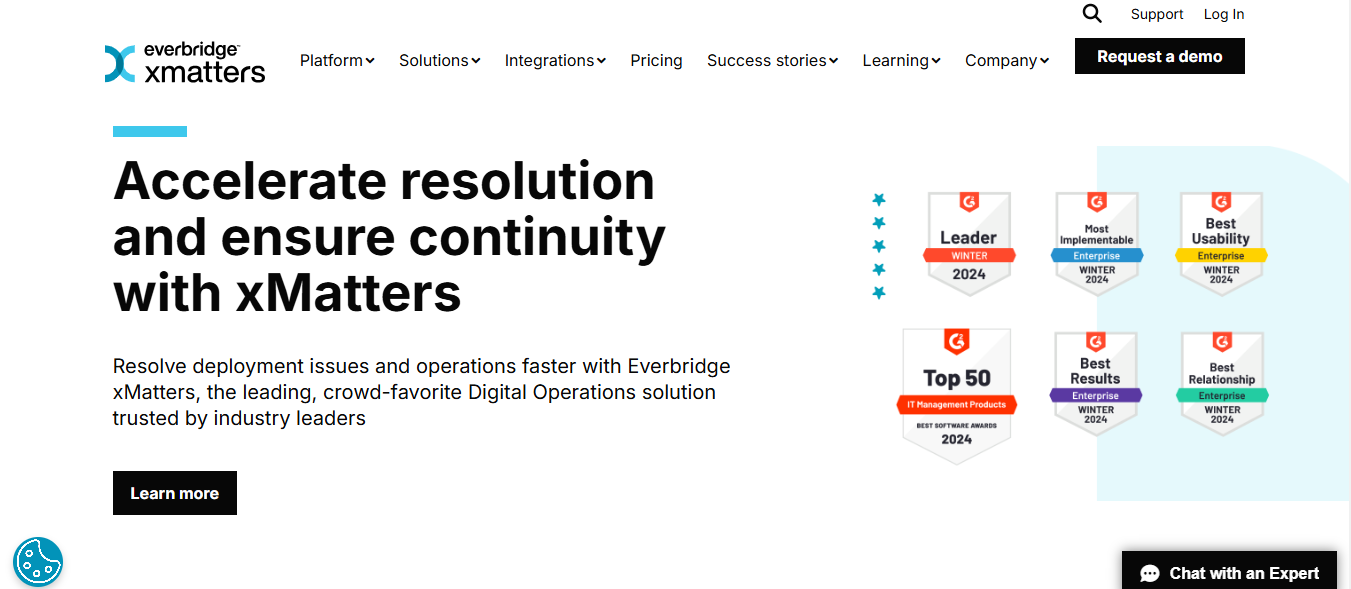
xMatters is an incident management software with features like:
- Workflow management
- Collaboration
- Analytics to help you improve your incident resolution times
Why I Picked xMatters
Though xMatters has most of the features of standard incident management software, it stands out to me because of its reporting and analytical abilities. You get a comprehensive insight into how your team is performing, and you can also track incident severity, validate the source of alerts, and group incidents by their MTTR. xMatters also has an incident timeline to see how an incident was solved and which strategies were successful (and which ones weren’t).
Integrations include native integrations like:
- Slack
- Zendesk
- Jira Cloud
- New Relic
- Cherwell
- Datadog
- Dynatrace
- Freshdesk
It also offers “Integration Builder” services to connect to other tools not on their list.
Pricing: 14-day free trial From $9/user/month
Related Reading
How To Choose The Best Incident Reporting Software

Selecting the right incident reporting software is critical for achieving effective incident management. The right tool helps organizations quickly respond to and manage incidents, reducing downtime and associated negative impacts on the:
- Business
- Customers
- Revenue
There is no single, one-size-fits-all tool for incident management. The best-performing incident teams use a collection of the:
- Right tools
- Practices
- Operating systems
- People
Some tools are specific to incident management, while others are more general-purpose tools your team uses for other tasks. Some tools might be a bespoke experience built upon layers of integrations and customization.
No matter the use case, good incident management tools have a few things in common. The best incident management tools are open, reliable, and adaptable.
Open
In a high-pressure environment like an incident, the right people must have access to the right tools and information immediately. This applies not only to incident responders but also to company stakeholders who need visibility into response efforts.
Reliable
There are few things worse during incident response than having your essential response tools go down. Utilizing cloud tools, like Slack and Opsgenie, minimizes the risk of an outage on your infrastructure, taking down your response tools.
Adaptable
Integrations, workflows, apps, customization, and APIs all open up the possibilities behind the product. You may want to get started with an out-of-the-box configuration, but as your practices and processes mature, you’ll want your tools to be flexible enough to support changing needs.
Before the Incident: Monitoring
Monitoring systems let DevOps and IT Ops teams collect, aggregate, and trigger alerts from data from thousands of services in real time. These systems are critical to providing full visibility into the health of your services and often trigger the first alarm bells during an incident.
Benefits
Monitoring tools give your team constant insight into the health of the infrastructure. Modern monitoring tools also proactively trigger alerts during unexpected activity.
Feature Set | Questions to ask |
24/7 coverage and analytics | Does the tool have visibility into all my servers and infrastructures? |
Integrates with alerting tools | Can my team see real time analytics and dashboards and set alerting thresholds? |
Does the product integrate with my alerting and on-call tool? |
Service Desk
Service desk software gives customers and employees a place to both report issues and manage incidents and potential incidents.
Benefits
Along with their many other use cases (service requests, IT help desk), service desks empower your team to quickly learn about incidents from the people who matter most—your customers.
Features
- Enable self-serve
Questions to ask
Can customers quickly file tickets through a self-service support portal? Can customers find the help they need with automated knowledge-based suggestions?
Features
Feature set | Questions to ask |
Enable self serve | Can customers quickly file tickeCan customers quickly file tickets through a self-service support portal? |
Can customers find the help they need with automated knowledge-based suggestions? |
Alerting and On Call
Prompt and reliable alerting and on-call management is a critical step in incident response. This is how teams ensure the right people are aware of an incident.
Benefits
Alerting tools notify designated on-call responders through a sophisticated combination of scheduling, escalation paths, and notifications.
Features
Feature set | Questions to ask |
Works globally | Can I send notifications (SMS, voice, email) to almost anywhere? |
Multiple notification methods | Can I send notifications using multiple notification methods like email, SMS, phone, and mobile app push and try them multiple times? |
During the Incident: Leveraging a Configuration Management Database (CMDB) for a Faster Resolution
Understanding the interdependencies of key processes within your infrastructure is key to determining the full impact of the incident and reaching a faster resolution.
Benefits
A CMDB helps you understand the relationships and dependencies within your IT infrastructure. If something goes down, this map lets you rapidly find:
Potential causes of the incident
- For example, determining which host a service is running on at the click of a button.
Trickle-down effects of the incident
- For example, discovering other services running on the same troublesome host. This means you can quickly investigate and communicate all aspects of the incident.
Feature set | Questions to ask |
Multiple channels | How flexible is the CMDB? Can I store any CI or asset? |
Integrations | Can I visualize my infrastructure graphically? |
Can I link CIs/assets with my service desk issues? | |
Can I link CIs/assets to change requests? |
Team Communication
Clear and reliable incident communication is undeniably critical during incident management.
Benefits
A solid communication platform helps teams communicate, share observations, links, and screenshots in a timestamped and preserved way. This brings the right information and people together during an incident and creates a rich record to learn from after the incident.
Feature set | Questions to ask |
Multiple channels | Can my incident response team quickly spin up a dedicated channel for an incident? |
Integrations | Can other tools in my incident toolchain post into my team's communication channel? |
Customer Communication
Customer communication tools help keep customers informed during an incident.
Benefits
There’s no getting around it: incidents typically create a bad experience for your customers. Keeping customers informed builds trust and speeds up response efforts. Communicating with customers lets them know we’re aware of the incident and working on a fix.
Features
Feature set | Questions to ask |
Off of my infrastructure | Will my communication tool be operational and accessible even if my internal infrastructure is down? |
Subscribers and notifications | Can customers opt in to get notifications when I post about an incident? |
Incident Command Center
Your canonical record of the incident and its key details live in an incident command center. This could be an incident tool like Opsgenie or an issue-tracking tool like Jira.
Benefits
A command center tool offers one place to get everyone up to speed during and after an incident. It lists key details like incident status, associated alerts, updates, and more. It also provides a historical record of the incident and its associated response effort.
Features
Feature set | Questions to ask |
Source of truth | Can team members and stakeholders use this record to locate all the other details of the incident and response activities? |
Timeline | Does the tool aggregate a chronological timeline of key events? |
Can team members and stakeholders quickly get up to speed on the incident? |
After the Incident: Postmortem and Analysis
Postmortems are written records of what happened during an incident and any follow-up actions taken to prevent it from happening again.
Benefits
After an incident is resolved, teams still often don’t know the root causes and are at risk of the same incident happening again. Postmortems help to prevent that by bringing the team together for a post-incident analysis.
Features
Feature set | Questions to ask |
Templates | Can my team use a template to fill out a postmortem? |
Map out next actions | Can my team plan out next actions and remediation work during a postmortem? |
Issue Tracking
An issue-tracking tool helps the team map out future remediation work that needs to be done.
Benefits
Resolving the incident often brings the service back online without addressing the root cause. Typically, more engineering work is needed to remediate root causes and ensure the incident doesn’t repeat itself.
Issue and work tracking tools — which your team is hopefully already using for other development work — help ensure this work is prioritized and doesn’t fall through the cracks.
Features
Feature set | Questions to ask |
Shared workflow pipeline | Can my team plan any incident remediation work alongside their other work and priorities? |
Integrations | Can my team pull in data and content from my other incident tools? |
The incident management process is crucial in maintaining normal service operations within an organization. IT service management solutions, such as incident management systems, are designed to address incidents promptly and restore normal service operations efficiently.
These systems often include asset management capabilities to track and manage the organization's resources.
Related Reading
Use ChatBees’ AI Customer Support Software to 10x Customer Support Operations
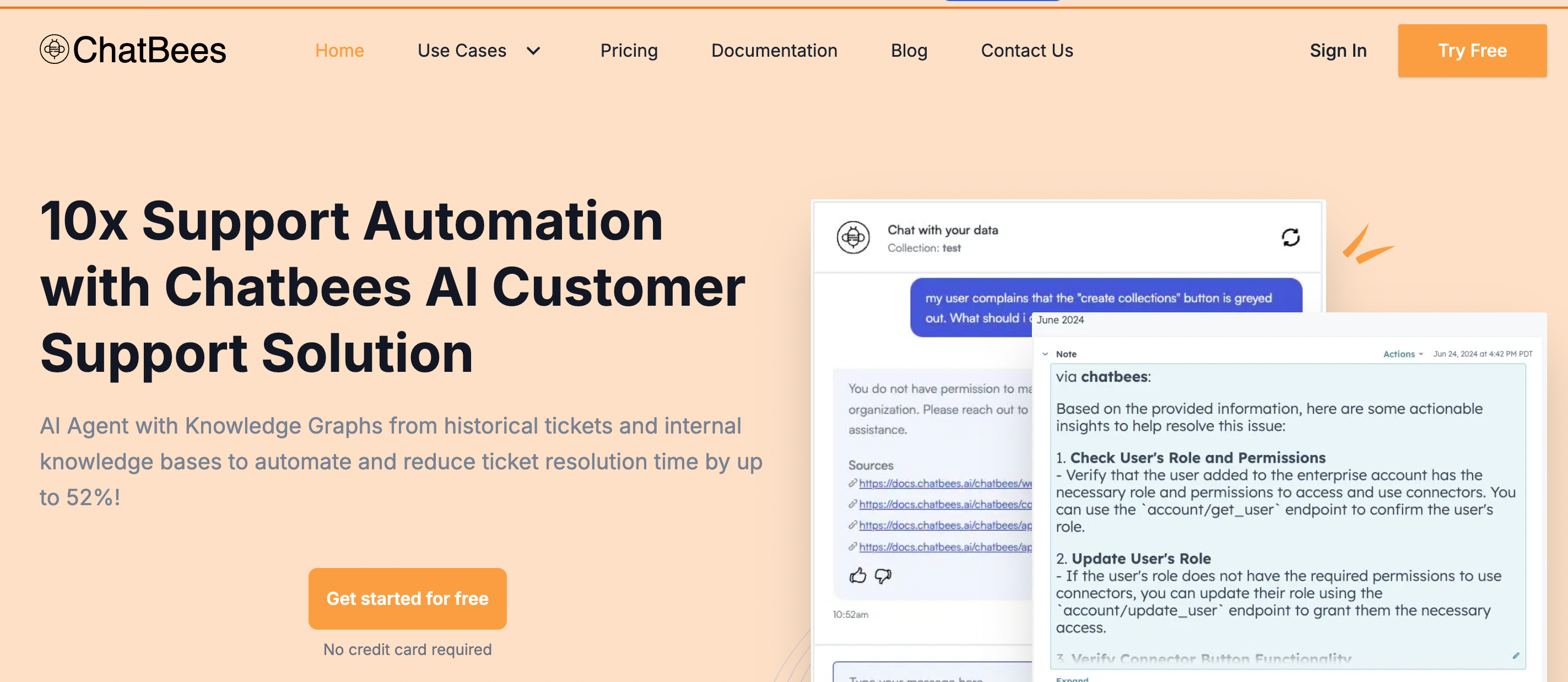
ChatBees optimizes RAG for internal operations like customer support, employee support, etc. with our AI customer support software, which has the most accurate response and easily integrates into their workflows in a low-code, no-code manner.
ChatBees' agentic framework automatically chooses the best strategy to improve the quality of responses for these use cases. This improves predictability and accuracy, enabling these operations teams to handle a higher volume of queries. No DevOps is required to deploy and maintain the service.
Try our AI customer support software to 10x your customer support operations. Get started for free: no credit card required. Sign in with Google and get started on your journey with us today!